
Build a Swiss Army Knife for Markdown Files
We like to keep notes in Markdown format because of its simplicity and cross-platform compatibility.
The other day, I needed to compile a bunch of Markdown files (there were about 50 of them) into one and send them to my colleague. The first thing I did was to open up Google in my browser and type in "combine markdown files." My instinct told me there should be a lot of such tools online.
I was wrong. There is no such tool, or at least, there is no popular (dominant) tool.
Here's a screenshot from the Google search:
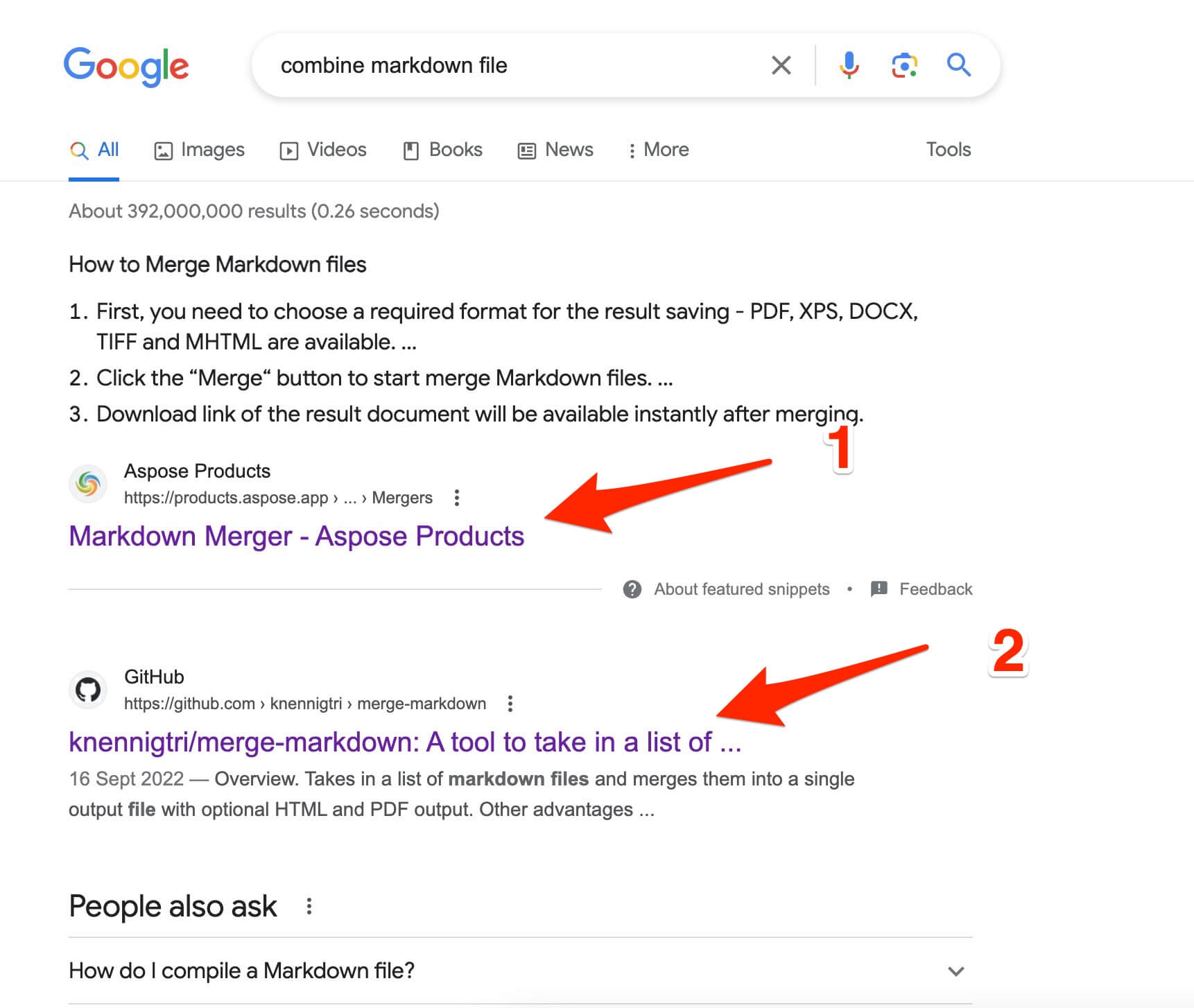
- The first result is a tool to combine multiple Markdown files into a PDF.
- The second result is a coding library.
Let's do a similar search using the phrase "combine PDF files." You will see a ton of tools dedicated to PDF files:
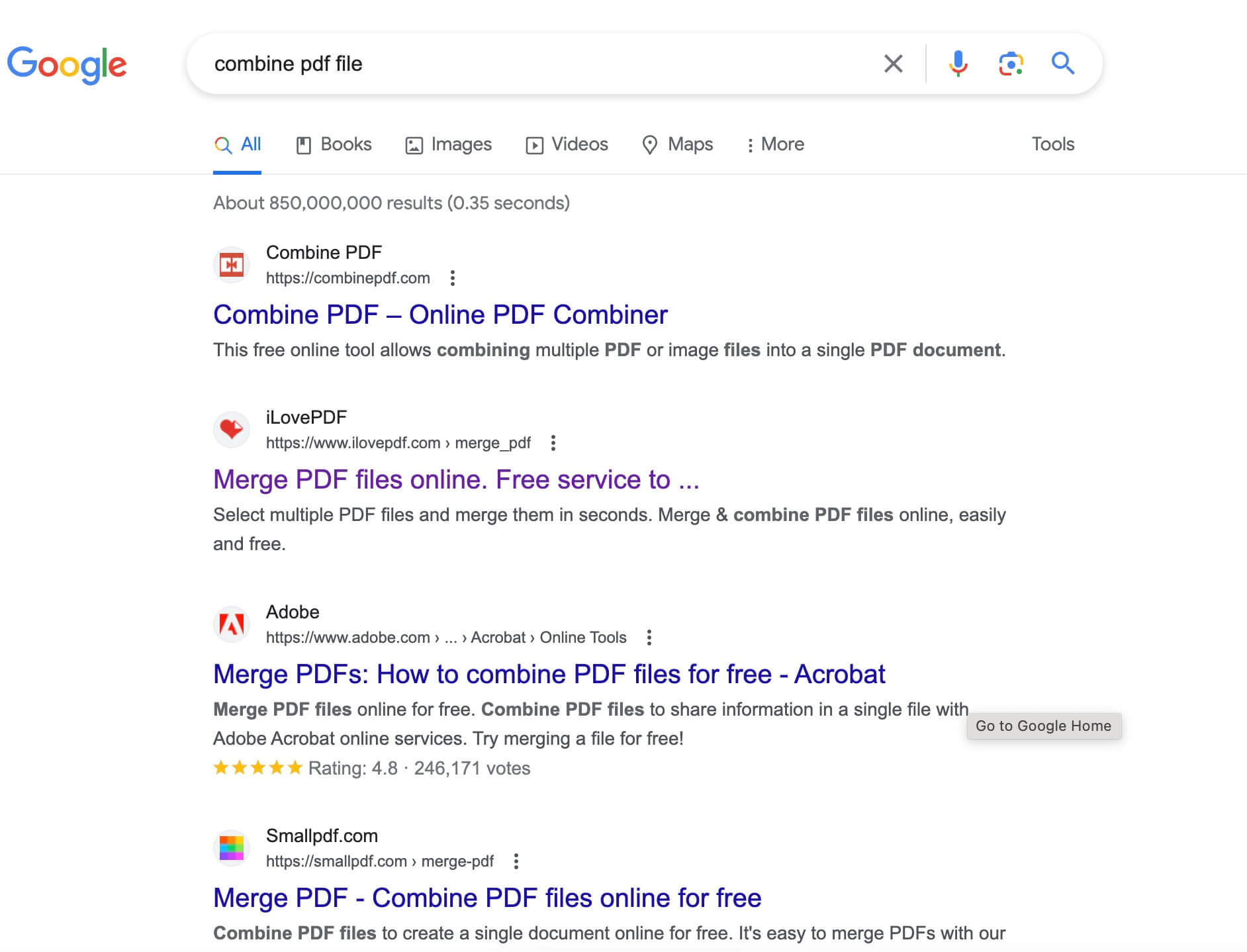
I think we've found a promising business opportunity here, which is to build an all-in-one (Swiss Army Knife) online tool for Markdown files.
Market Research and Analysis
A Bit of History of Markdown
Markdown is a lightweight markup language that was invented by John Gruber and Aaron Swartz in 2004. It was initially created as a simpler way to write HTML code with the goal of making it more accessible for non-technical users to create web content.
Markdown's Popularity
Markdown is widely adopted in the tech industry. Platforms such as GitHub, Reddit, and Stack Overflow support Markdown formatting, encouraging its usage for documentation and content creation. Markdown's popularity is also evident from its integration into various text editors, content management systems, and online platforms.
Developers, writers, and content creators appreciate Markdown for its simplicity, readability, and compatibility with various platforms.
One insight we can discover here: developers, writers, and content creators are tech-savvy users, and they are easy to reach online. Bonus points for this business!
How to Make Money
Let's take a look at one of the Swiss Army Knives for PDF files. We can totally copy their business model.
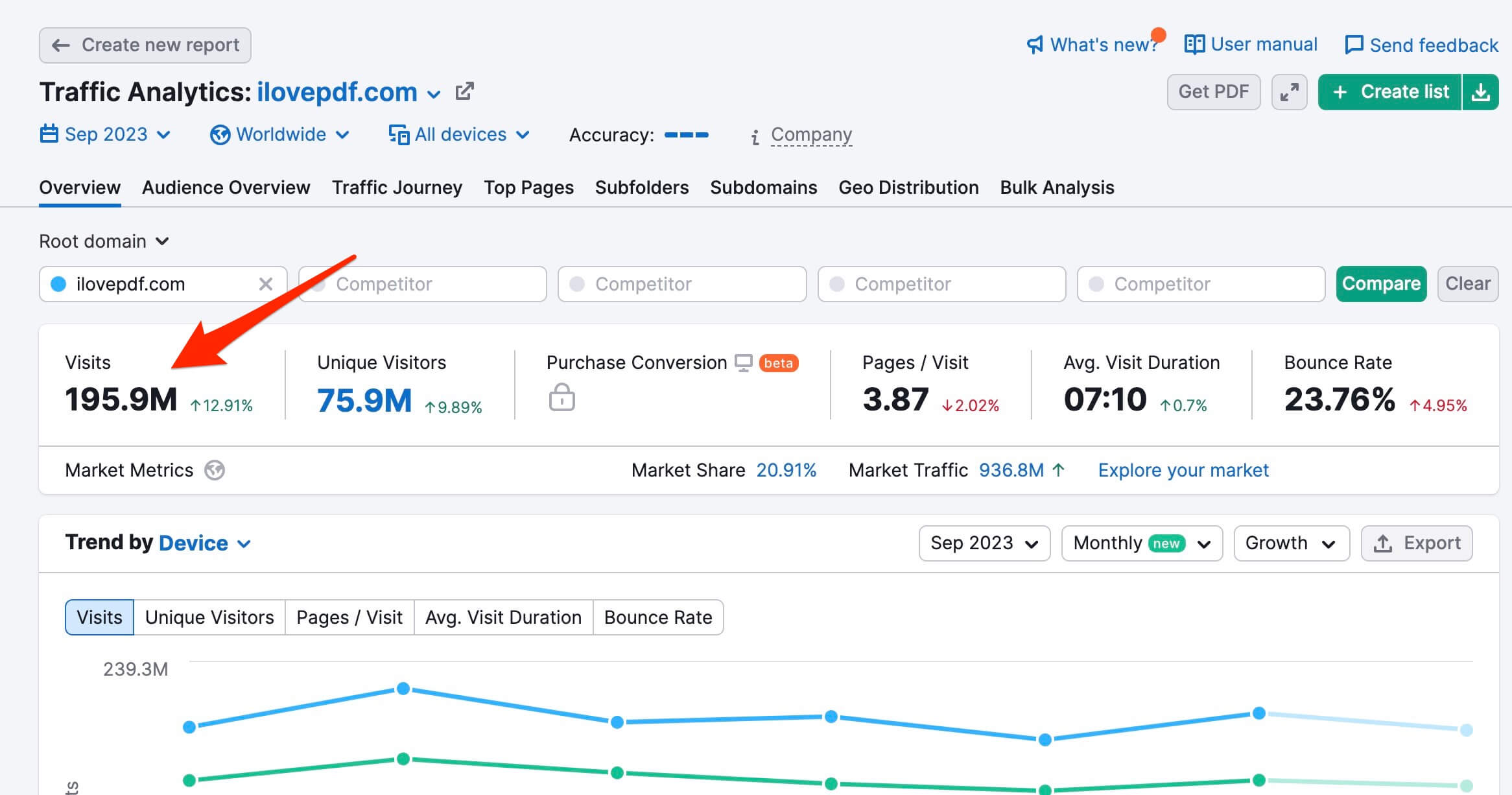
The site is https://www.ilovepdf.com/. It brings 195.9 million visits in September 2023. Crazy traffic!
Google AdSense
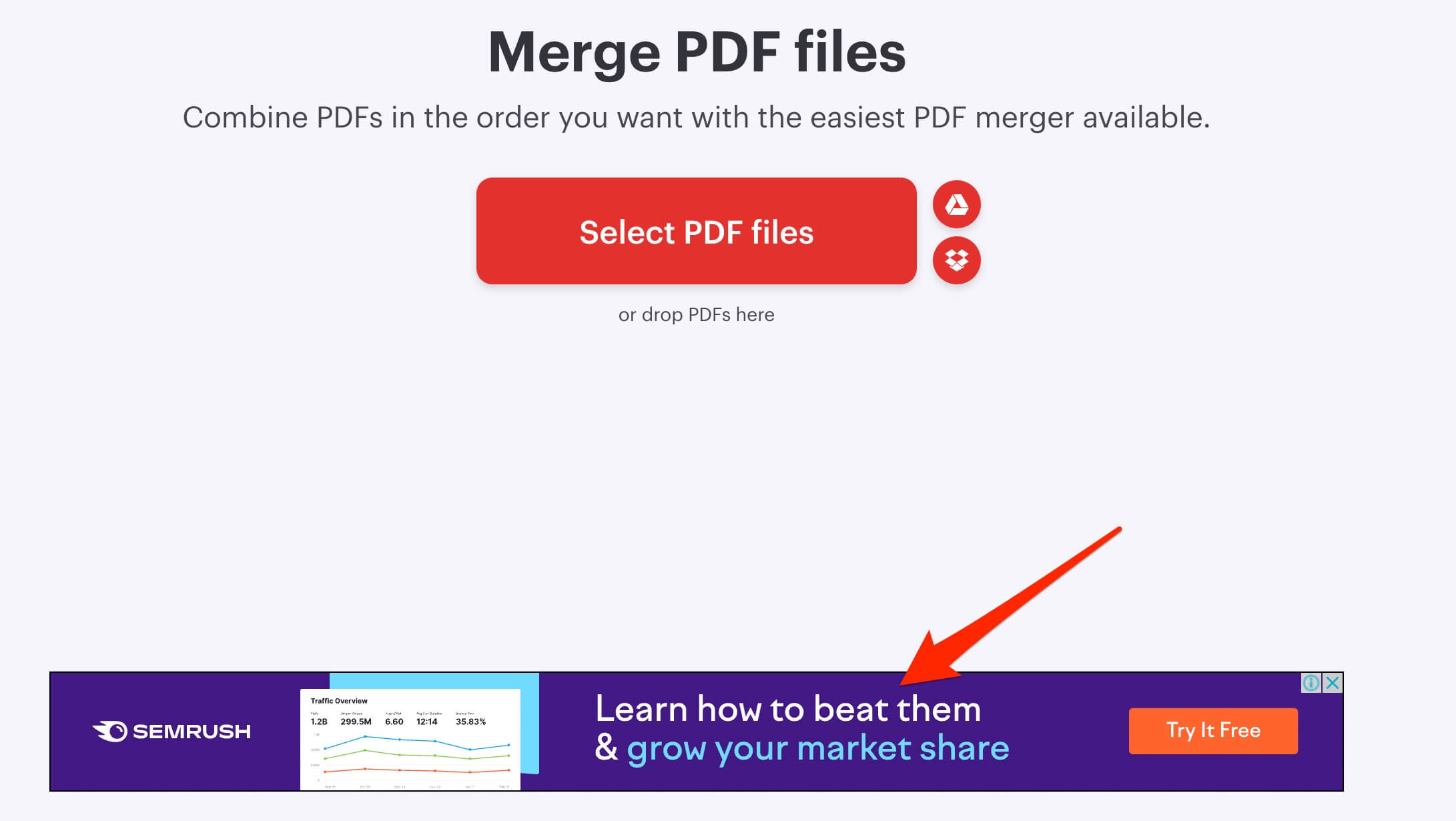
For a huge traffic site like this, Google AdSense is one of the easiest ways to monetize. That's what ilovepdf does:
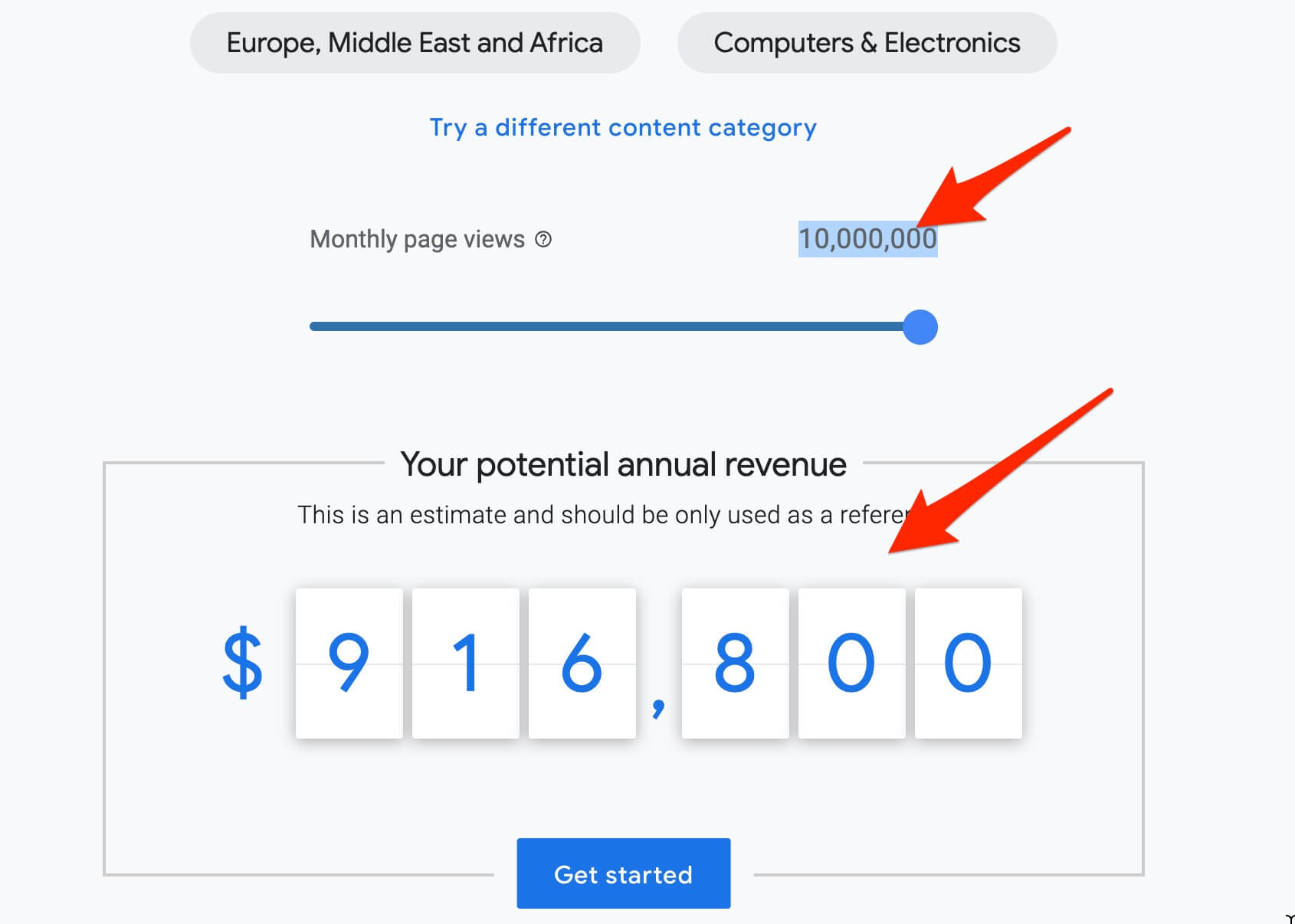
Google AdSense Revenue estimator shows that, with a monthly traffic of 195.9 million visits, the site ilovepdf could make over $1 million a year (the estimator is not able to show traffic of more than 10,000,000 visits a month):
How to Market
Marketing is key for any business to thrive.
First of all, as a business that is going to rely on the Google AdSense business model, our goal and the only marketing goal is to gain as much traffic as possible. We have to make the tool free; everyone loves free tools.
SEO
Then the real marketing engine is SEO.
Let's take a look at the keyword difficulties. When the single-word keyword "markdown" is almost impossible to compete with at the moment, we do manage to discover keywords that are easy to rank for, so let's start there.
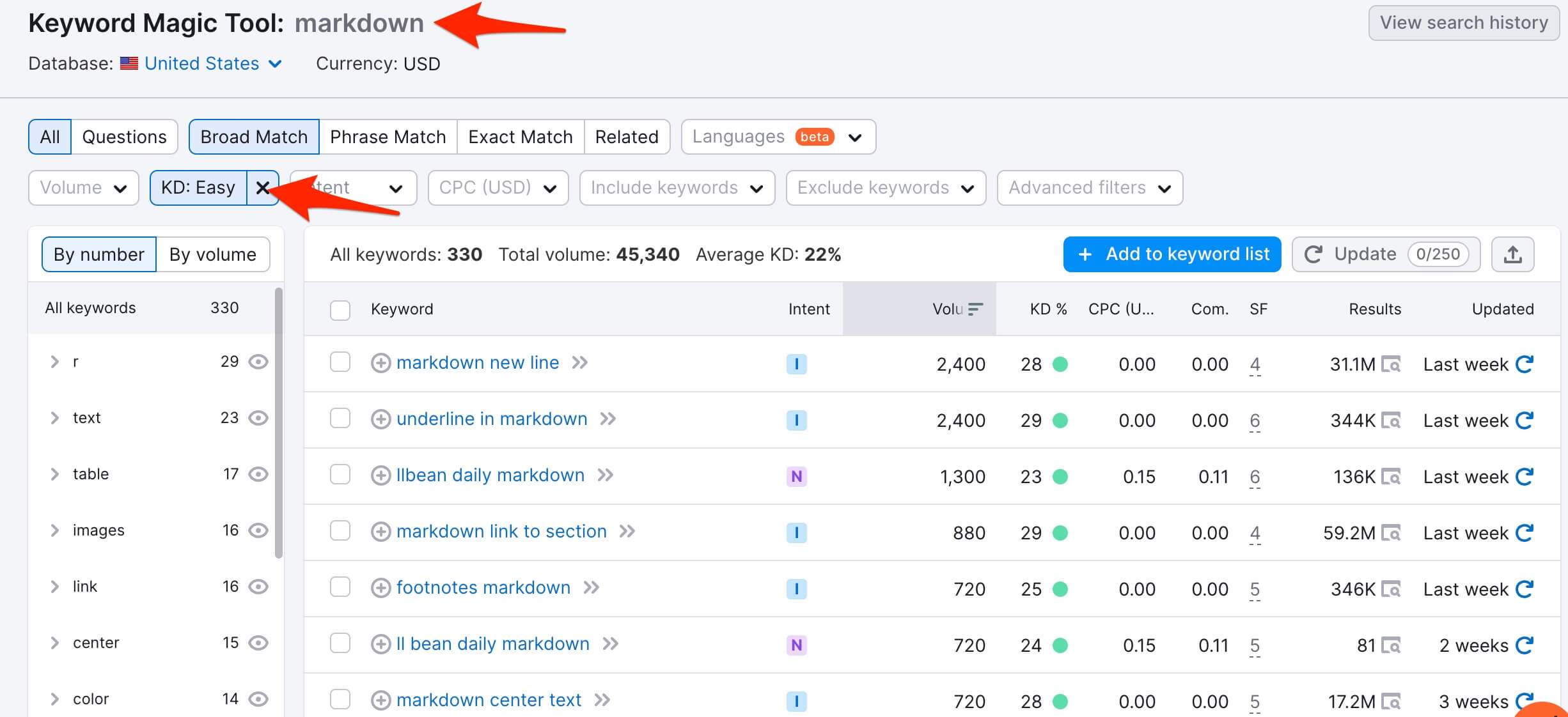
Download the exported keyword file here. Write an article for each keyword. Most of them are "how-to" types of articles. Try to make the article length about 750 words, which is an optimized length for SEO.
After that, we need to build backlinks to our articles.
- Reddit: Go to Reddit and search the word "markdown" to find people who are seeking solutions for their Markdown-related problems. Answer their questions genuinely and mention your tool or the article you wrote. For example, a Reddit post like this link is perfect.
- Stack Overflow: Do the same thing on Stack Overflow. For example: link.
Domain Name
In our opinion, domain names are important too when it comes to SEO. The impact of a domain name on SEO can be positive or negative, depending on its length, top-level domain, readability, and memorability. This underscores the importance of selecting a trustworthy, concise domain name that users can easily read, remember, and trust.
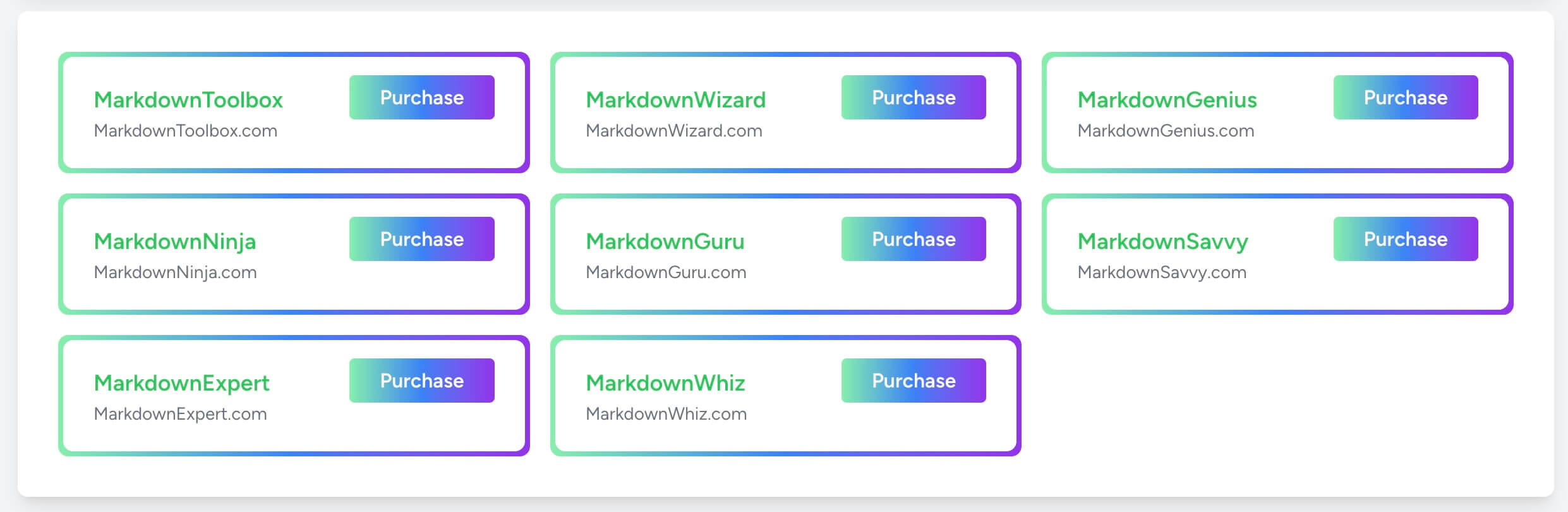
We like to have the search term in our domain name. The following domain names are available for registration at the time of writing.
Keep in mind, our users are developers, writers, and content creators. We can reach them in their respective communities.
How to Build
Features
As an all-in-one Markdown tool, our website requires, but is not limited to, the following features:
- Combine Markdown
- Split Markdown
- Generate Markdown tables
- Generate Markdown links
- Convert Markdown to CSV
- Convert Markdown to RST
- Convert Markdown to PDF
- Convert Markdown to JPG
- Convert Markdown to PNG
- Convert Markdown to Excel
- Convert Markdown to HTML
- Convert Markdown to PowerPoint
At the core of it, Markdown is a text format, unlike PDF. It is actually much easier to manipulate.
We can find libraries online to do some of the tasks above:
- https://github.com/markdown-it/markdown-it
- https://github.com/markedjs/marked
- https://github.com/erusev/parsedown
- https://github.com/accraze/split-md
Design
The design of the site should look simple and sleek.
A grid layout with boxes, each box representing a feature:
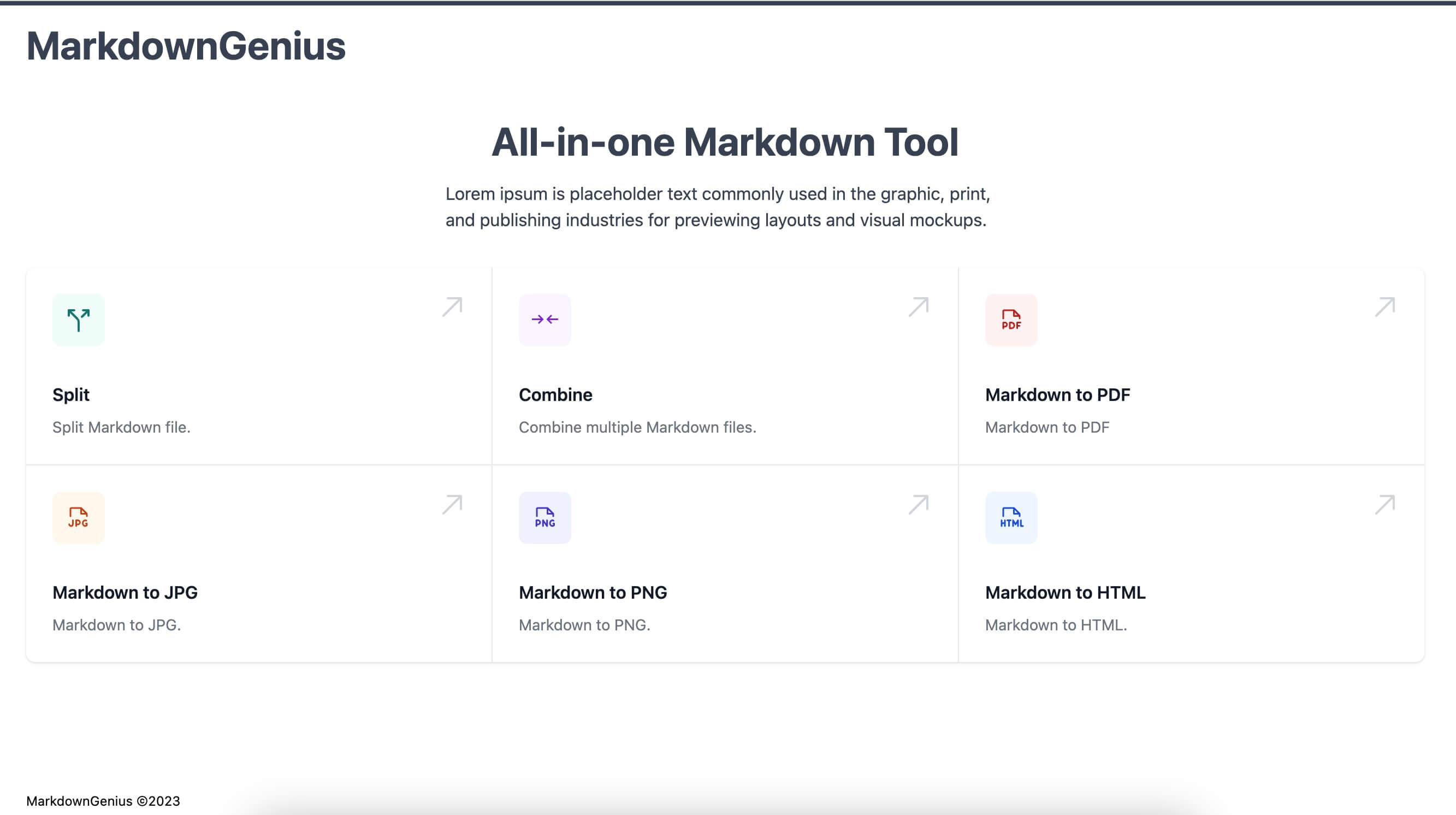
Download the template we made here if you want to work on this business.
Getting Started
Are you interested in building this business? Remember, the key is taking action and stick with your plan. Do not give up half way.